


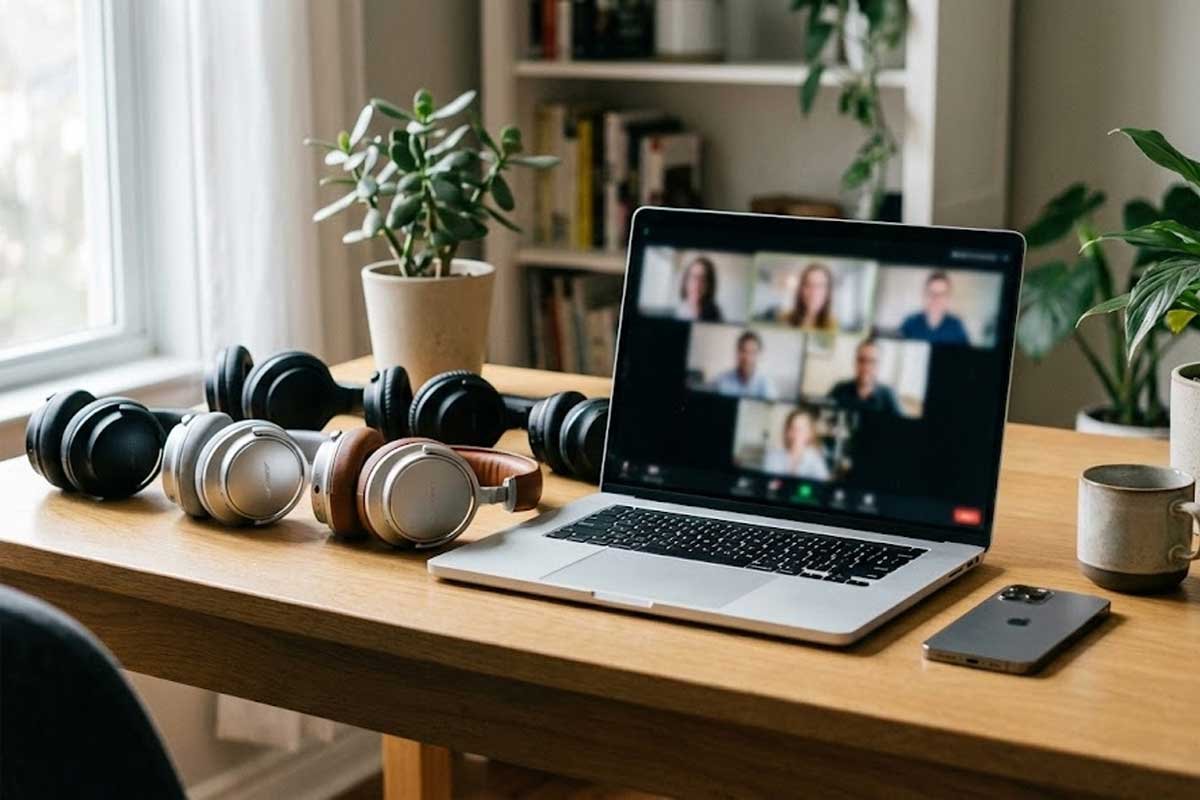
The best headphones for Zoom calls & iPhone users in 2026 need more than just good sound — they need crystal-clear microphones, stable Bluetooth, and real noise control.
If you’ve ever joined a Zoom meeting and heard:
- “You’re breaking up.”
- “There’s an echo.”
- “We can hear your keyboard.”
- “You sound far away.”
… then you already know the problem.
Most headphones are tuned for music — not meetings. And when you add iPhone Bluetooth into the mix, things get even more complicated. Poor mic compression. Background noise leakage. Inconsistent call quality.
When you work from home, your headphones become your professional voice.
In this guide, we tested and compared the best headphones for Zoom calls and iPhone users — focusing specifically on:
✔ Microphone clarity
✔ Background noise suppression
✔ Comfort for long meetings
✔ Bluetooth stability with iPhone
✔ Real-world WFH performance
If you’re also looking for broader everyday audio options, see our full guide to the best wireless headphones for iPhone for a complete ecosystem comparison.
Now let’s get straight to the best-performing model overall.
1. Sony WH-1000XM5 – Best Overall Headphones for Zoom Calls & iPhone
If you want one pair of headphones that handles Zoom calls, iPhone calls, and focused work sessions without compromise — this is it.
The Sony WH-1000XM5 isn’t marketed as a “business headset.”
But in real-world remote work testing, it consistently delivers professional-level call clarity.
🎙 Microphone Quality That Actually Sounds Professional
Sony upgraded the mic array significantly in this generation.
What that means in real life:
✔ Clear voice pickup
✔ Reduced background noise
✔ Minimal echo
✔ No “underwater” Bluetooth compression
Even when typing or speaking in a slightly noisy home office, the XM5 filters distractions surprisingly well.
Compared to older wireless headphones, the difference is obvious.
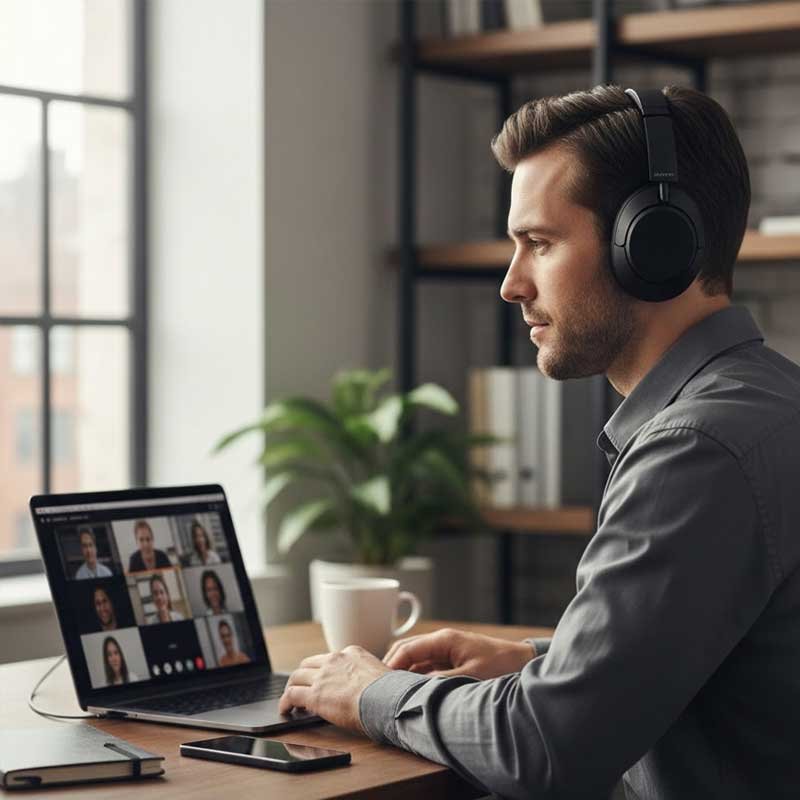
If you care about sounding sharp and confident on Zoom, this matters more than pure music quality.
🔇 Industry-Leading Noise Cancelling (For Focus Between Calls)
While ANC doesn’t directly affect your microphone, it dramatically improves your work environment.
The WH-1000XM5 reduces:
- HVAC hum
- Street noise
- Household chatter
- Coffee machine sounds
When you’re on back-to-back meetings, mental fatigue becomes real. Strong ANC reduces that strain.
If you’re unsure how ANC compares to passive isolation, we break it down in our full guide on noise cancelling vs passive isolation explained.
iPhone Compatibility & Bluetooth Stability
Some people assume Sony works best only with Android. That’s outdated thinking.
With iPhone, you get:
✔ Stable Bluetooth connection
✔ Strong call consistency
✔ Multipoint connectivity (Mac + iPhone simultaneously)
✔ Easy switching between devices
Multipoint is huge for remote workers.
You can take a Zoom call on your Mac and instantly answer a phone call on your iPhone without re-pairing.
That alone can justify the price for serious WFH users.
🪑 Comfort for Long Workdays
This is where many earbuds fail.
Over-ear design means:
- No ear canal pressure
- No silicone fatigue
- Soft ear cushions
- Even weight distribution
For 4–6 hour workdays, comfort matters more than portability.
You forget you’re wearing them — which is exactly what you want during long meetings.
🔋 Battery Life
- Up to 30 hours total battery
- Fast charging (3 minutes = ~3 hours playback)
For work-from-home setups, this eliminates battery anxiety entirely.
❌ Who Should Skip the Sony WH-1000XM5?
Skip if:
- You want ultra-compact portability
- You prefer minimalist earbuds
- You need a visible boom mic for formal enterprise environments
If you need a dedicated office-style headset, we’ll cover that option shortly.
🎯 Final Verdict on Sony WH-1000XM5
For most remote workers using an iPhone, this is the safest high-performance choice.
It combines:
- Professional-level mic clarity
- Best-in-class noise cancelling
- All-day comfort
- Multipoint connectivity
- Reliable iPhone Bluetooth
That’s why many remote professionals consider this one of the best headphones for Zoom calls & iPhone in 2026.
Without locking you into a single ecosystem.
2. Apple AirPods Pro (2nd generation) – Best Apple Ecosystem Choice for Zoom & iPhone Calls
If you work primarily from an iPhone, iPad, or MacBook, the AirPods Pro (2nd Gen) feel almost frictionless.
They don’t look like “corporate headsets.”
They don’t have a boom mic.
But for most remote workers, they simply work — and that reliability matters.
🎙 Microphone Performance for Zoom Calls
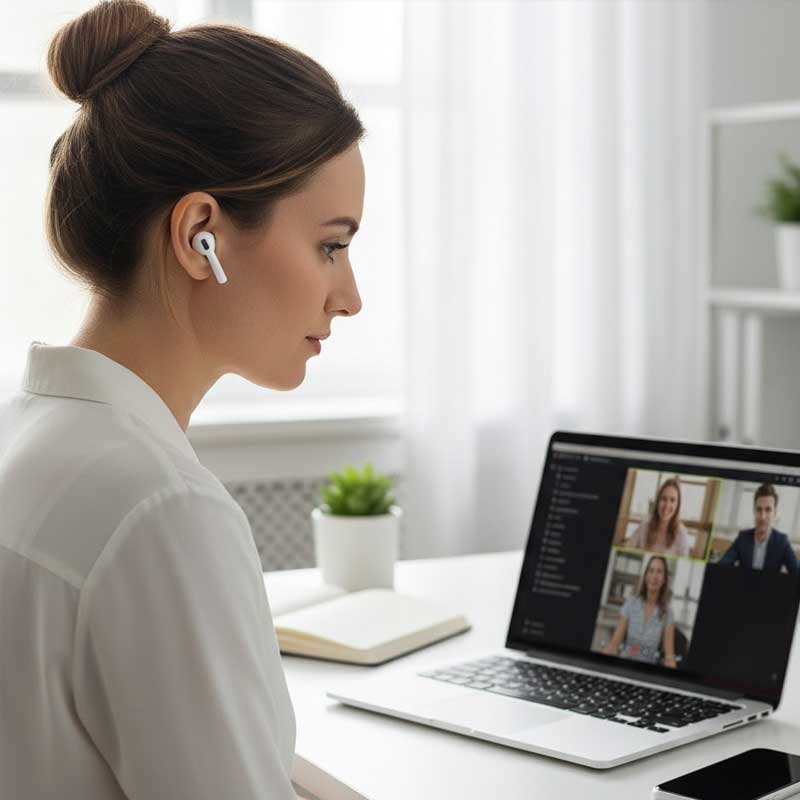
Let’s address the real concern:
Are AirPods actually good for professional meetings?
Short answer: yes — especially in quiet to moderately noisy environments.
Apple’s H2 chip processes voice intelligently. In real calls:
✔ Voice sounds clear and forward
✔ Background noise is reduced
✔ Minimal echo
✔ Good wind filtering for mobile calls
They won’t isolate your voice as aggressively as a boom mic headset — but for typical home offices, they perform surprisingly well.
If you’re constantly on calls, the consistency is what you’ll appreciate most.
Seamless iPhone & Apple Integration
This is where AirPods dominate.
With an iPhone:
✔ Instant pairing popup
✔ Automatic device switching
✔ Battery status inside iOS
✔ Easy mic selection in Zoom app
If you jump between:
- iPhone
- MacBook
- iPad
You don’t have to think about reconnection. It just switches.
That frictionless experience reduces daily micro-annoyances — and those add up over time.
If you’re comparing Apple-native integration to third-party brands, see our full breakdown of the best wireless headphones for iPhone.
🔇 ANC for Focus (But Not Just Marketing)
ANC here is strong enough to reduce:
- Air conditioner hum
- Coffee machine noise
- Street background
- Mild household chatter
It improves your focus between calls — even if it doesn’t directly improve the outgoing mic signal.
If you’re unsure whether ANC matters for meetings, see our explanation in noise cancelling vs passive isolation explained.
Comfort for Long Meetings
Because they’re in-ear:
Pros:
✔ Lightweight
✔ Easy to wear for 2–3 hour sessions
✔ No head pressure
Cons:
– Can cause mild ear fatigue over 5+ hours
– Less breathable than over-ear models
For heavy 8-hour Zoom days, over-ear models may feel more comfortable.
For hybrid use (calls + commuting + workouts), AirPods are more versatile.
🔋 Battery Life
- ~6 hours per charge (ANC on)
- 30 hours total with case
- Fast charging via USB-C or MagSafe
For most remote workers, that’s more than enough.
❌ Who Should Skip AirPods Pro?
Skip if:
- You work in a noisy environment with constant background chatter
- You want maximum professional voice isolation
- You prefer over-ear comfort
For enterprise-level voice clarity, a boom mic headset like Jabra Evolve2 may be stronger.
🎯 Final Verdict on AirPods Pro (2nd Gen)
If you’re deep in the Apple ecosystem and want:
- Clean mic quality
- Zero connection hassle
- Excellent ANC
- Portable versatility
This is the most seamless Zoom + iPhone solution available.
It’s not the most “corporate” headset — but for most professionals, it’s more than enough.
3. Bose Noise Cancelling Headphones 700 – Best Executive-Level Voice Clarity for Zoom Calls
If your job depends on how you sound — client calls, interviews, sales presentations, leadership meetings — the Bose 700 deserves serious attention.
This isn’t just a music headphone with a mic attached.
It was engineered with voice processing as a priority.
🎙 Microphone System Built for Clarity
Bose uses a multi-microphone array (8 total mics, 4 dedicated to voice pickup).
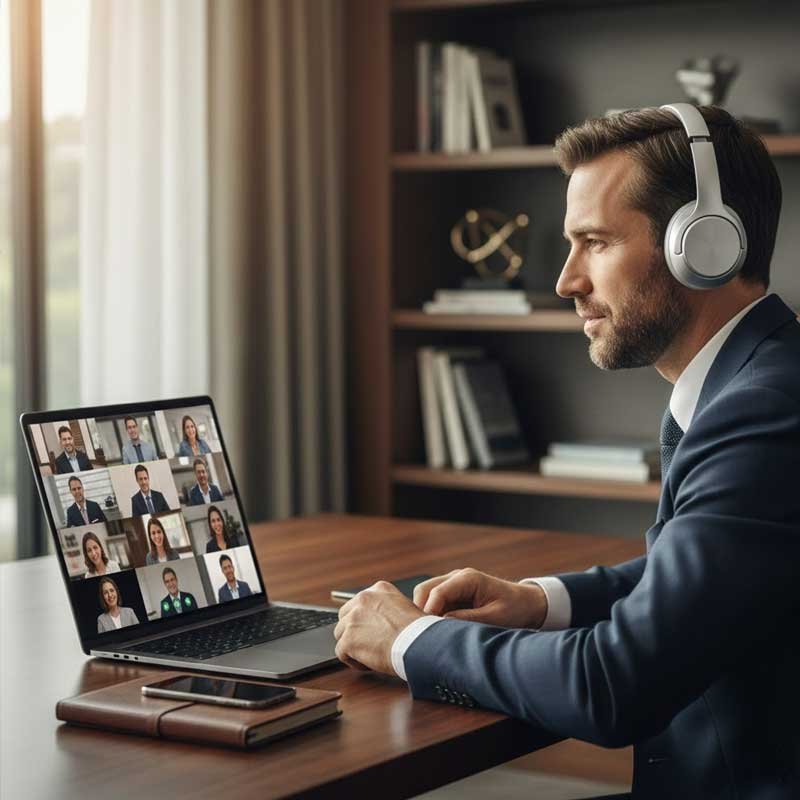
In real Zoom calls, that translates to:
✔ Clear, centered voice
✔ Strong suppression of background noise
✔ Reduced keyboard tapping noise
✔ Minimal echo feedback
Compared to typical consumer earbuds, the difference is noticeable.
Your voice sounds:
- More isolated
- More professional
- Less “roomy”
If you frequently present or speak in meetings, that matters.
🔇 Adjustable Noise Cancelling (11 Levels)
Unlike most headphones that offer just on/off ANC, Bose 700 gives you 11 adjustable levels.
Why that’s useful:
- Level 10 → Maximum focus during deep work
- Mid-level → Comfortable awareness in shared spaces
- Low → Casual listening
Between meetings, strong ANC helps reduce mental fatigue — especially if you live in a noisy home environment.
If you want to understand how ANC differs from passive isolation, see our guide on noise cancelling vs passive isolation explained.
iPhone & Zoom Compatibility
With iPhone, performance is stable and consistent.
✔ Strong Bluetooth reliability
✔ Clear mic transmission in Zoom app
✔ Easy switching between devices
✔ Good call handling
While it doesn’t use Apple’s H1/H2 chip, real-world performance remains solid.
For many professionals, multipoint connectivity (Mac + iPhone simultaneously) is a bigger benefit than Apple-native integration.
🪑 Comfort for Long Professional Calls
Executive-level meetings often mean long sessions.
The Bose 700 delivers:
- Lightweight frame
- Soft ear cushions
- Even pressure distribution
- Minimal clamp force
For 3–5 hour stretches, they remain comfortable.
Over-ear models like this often outperform earbuds in extended work sessions.
🔋 Battery Life
- Up to 20 hours per charge
- Fast charging support
Not the longest in class, but more than enough for daily remote work.
❌ Who Should Skip Bose 700?
Skip if:
- You want ultra-portable earbuds
- You prioritize Apple ecosystem integration
- You’re on a tighter budget
This is positioned more as a premium professional tool.
🎯 Final Verdict on Bose 700
If you want your voice to sound polished, isolated, and executive-level during Zoom calls, the Bose 700 is one of the strongest performers in this list.
It’s ideal for:
- Client-facing roles
- Remote executives
- Sales professionals
- Interview-heavy schedules
4. Jabra Evolve2 65 – Best Dedicated Work Headset for Zoom & iPhone
If your entire day revolves around calls, the Jabra Evolve2 65 is built specifically for that reality.
Unlike consumer headphones adapted for meetings, this is a purpose-built professional headset.
And the difference is immediate.
🎙 Boom Microphone = Superior Voice Isolation
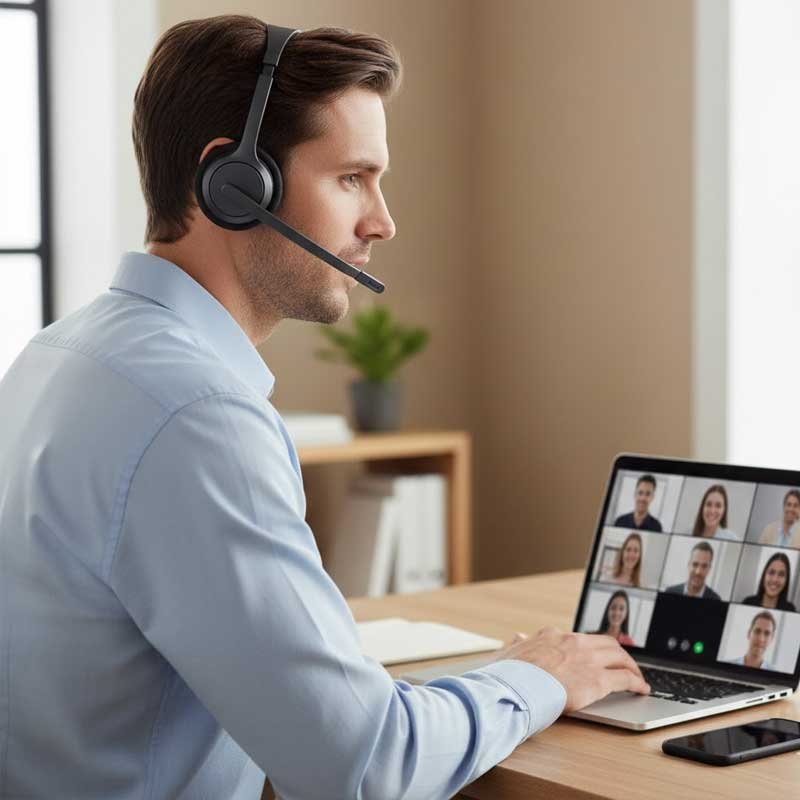
Let’s be clear:
A boom mic still outperforms most built-in headphone microphones.
With the Evolve2 65, you get:
✔ Focused directional mic pickup
✔ Strong background noise rejection
✔ Clear voice projection
✔ Less room echo
Even in moderately noisy environments (open spaces, shared offices, family background noise), your voice remains isolated.
If you take 5+ hours of calls per day, this level of consistency reduces stress and misunderstandings.
📞 Designed for Business Platforms
This headset is certified for major communication platforms including Zoom and Microsoft Teams.
That means:
- Stable mic integration
- Reliable mute functionality
- Clear audio routing
- Strong call control
Unlike generic Bluetooth headphones, this feels purpose-built for meetings.
iPhone Compatibility
While often used with laptops, it works reliably with iPhone as well.
✔ Stable Bluetooth pairing
✔ Multipoint support (Mac + iPhone)
✔ Easy switching between devices
Multipoint is especially useful if:
- You’re on a Zoom call via Mac
- A phone call comes in on your iPhone
- You need instant switching
For serious remote professionals, this is a productivity advantage.
🔇 Passive Noise Isolation (No Heavy ANC)
The Evolve2 65 does not rely heavily on consumer-style ANC.
Instead, it uses:
- Physical ear cup isolation
- Focused mic filtering
That approach often feels more natural in business settings.
If you want stronger music-focused ANC, models like Sony WH-1000XM5 may be better. But for voice clarity, boom mic wins.
🪑 Comfort for Long Workdays
Because it’s built for office use:
- Balanced weight distribution
- Moderate clamp force
- Breathable ear cushions
You can wear it for extended periods without ear canal fatigue.
🔋 Battery Life
- Up to 37 hours talk time
- Fast charging
- All-day reliability
For heavy call schedules, this removes battery anxiety completely.
❌ Who Should Skip Jabra Evolve2 65?
Skip if:
- You want a minimalist aesthetic
- You don’t like visible boom microphones
- You prioritize music quality over call clarity
This is built for work first.
🎯 Final Verdict on Jabra Evolve2 65
If your job is call-heavy and your voice is your tool, this is the most purpose-built option in the list.
It may not look as sleek as consumer headphones — but for professional Zoom calls, it delivers elite clarity and reliability.
5. Beats Studio Pro – Best for iPhone + Style + Everyday Versatility
If you want something that works for Zoom calls, phone calls, music, and commuting — without looking like a corporate headset — the Beats Studio Pro hits that balance.
It’s not as business-focused as Jabra.
It’s not as technical as Sony.
But for iPhone users who want clean aesthetics + solid call clarity, it’s a strong middle ground.
🎙 Microphone Performance for Zoom
Beats upgraded their mic system significantly in this generation.
Real-world Zoom experience:
✔ Clear vocal pickup
✔ Stable Bluetooth transmission
✔ Good echo control
✔ Minimal background bleed in quiet rooms
Is it boom-mic level clarity? No.
Is it perfectly professional for home office environments? Yes.
For remote workers in relatively controlled environments, the performance is more than sufficient.
Strong iPhone Compatibility
Unlike older Beats models, Studio Pro supports:
✔ Native Apple device switching
✔ Reliable iOS integration
✔ Strong Bluetooth stability
✔ Seamless pairing
While it doesn’t use the H2 chip like AirPods Pro, the integration still feels natural within Apple devices.
If ecosystem simplicity matters but you prefer over-ear comfort, this becomes attractive.
For broader Apple-focused options, see our guide to the best wireless headphones for iPhone.
🔇 ANC for Focused Work Sessions
The Studio Pro includes active noise cancelling that performs well in:
- Apartment environments
- Shared homes
- Coffee shop work sessions
It’s not Sony-level isolation, but it meaningfully reduces distractions.
Between meetings, strong ANC helps maintain concentration and reduces fatigue.
🎧 Sound Quality (Bonus Factor)
While this guide focuses on Zoom calls, remember:
You’re not only on meetings.
Beats delivers:
- Strong bass
- Energetic tuning
- Engaging sound profile
If you switch between work calls and music frequently, this dual-purpose capability matters.
Comfort for Daily Use
Over-ear design means:
✔ No ear canal pressure
✔ Balanced headband support
✔ Suitable for multi-hour wear
Not as feather-light as Bose 700, but still comfortable for extended use.
🔋 Battery Life
- Up to 40 hours total battery
- Fast charge support
This is one of the longest-lasting options in this lineup.
❌ Who Should Skip Beats Studio Pro?
Skip if:
- You want maximum microphone isolation
- You need enterprise-grade boom mic clarity
- You prefer ultra-compact earbuds
This is a lifestyle + work hybrid.
🎯 Final Verdict on Beats Studio Pro
If you want:
- Strong iPhone compatibility
- Good Zoom performance
- Stylish over-ear design
- Solid ANC
- Excellent battery life
This is a versatile, modern remote-work option.
6. Anker Soundcore Space Q45 – Best Budget Headphones for Zoom Calls & iPhone
Not everyone wants to spend $300+ on work headphones.
If you need reliable Zoom performance with iPhone compatibility — at a significantly lower price — the Soundcore Space Q45 is one of the strongest value options in 2026.
This is where performance meets practicality.
🎙 Microphone Performance (Better Than Expected)
For a budget model, mic clarity is surprisingly strong.
In real Zoom calls:
✔ Clear voice pickup in quiet rooms
✔ Decent background suppression
✔ Minimal distortion
✔ Stable Bluetooth audio
Will it match Bose 700 or Jabra Evolve2 65? No.
But in a typical home office, most people on the other end won’t notice a major difference.
For remote workers on a budget, that’s a win.
🔇 Active Noise Cancelling at a Lower Price
ANC performance is solid for the price tier.
It reduces:
- Air conditioner noise
- Low-frequency background hum
- Mild street noise
It won’t completely isolate you like Sony WH-1000XM5 — but it meaningfully improves focus during work sessions.
If you want a technical breakdown of how ANC compares to passive isolation, see our guide on noise cancelling vs passive isolation explained.
🍎 iPhone Compatibility
Bluetooth pairing with iPhone is stable and straightforward.
✔ Multipoint connectivity
✔ Easy reconnection
✔ Reliable call stability
No Apple-native chip — but real-world performance is dependable.
For many budget-conscious users, this is more than sufficient.
Comfort for Workdays
The Space Q45 is lightweight and well-padded.
- Soft ear cushions
- Moderate clamp force
- Comfortable for 3–5 hour sessions
Not as premium-feeling as Bose or Sony, but absolutely usable for long workdays.
🔋 Battery Life (Huge Advantage)
This is where the Q45 really shines:
- Up to 50 hours battery (ANC off)
- ~30 hours with ANC on
- Fast charging support
For remote workers who forget to charge devices, this eliminates daily anxiety.
❌ Who Should Skip Soundcore Q45?
Skip if:
- You demand top-tier microphone isolation
- You want executive-level build quality
- You prefer ultra-premium aesthetics
This is built for value, not luxury.
🎯 Final Verdict on Soundcore Space Q45
If you want:
- Reliable Zoom call clarity
- Decent ANC
- Strong battery life
- Affordable pricing
This is one of the best budget-friendly headphones for Zoom calls & iPhone in 2026.
7. Shokz OpenComm – Best for All-Day Calls & Situational Awareness
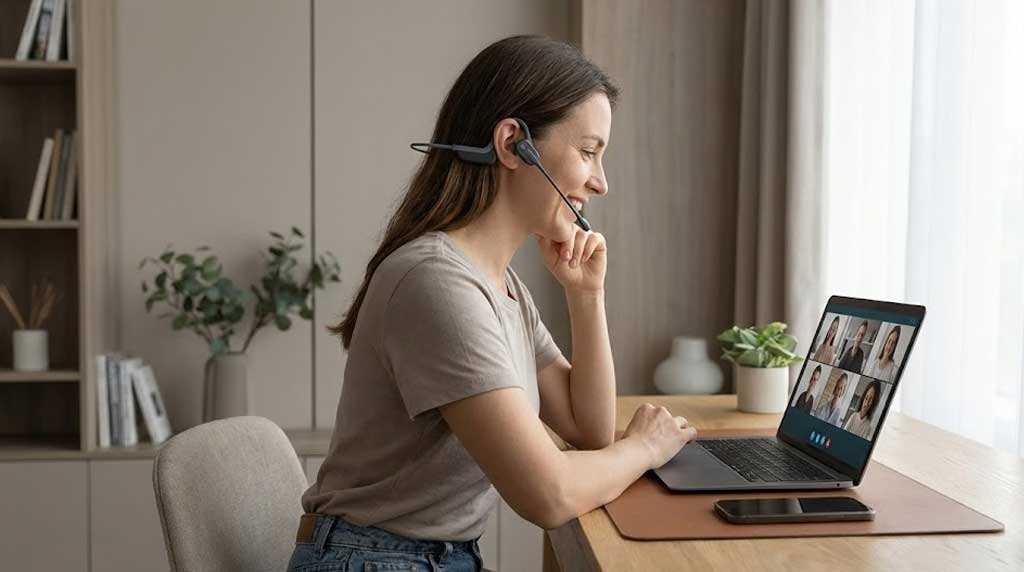
If you take calls all day and hate the feeling of having your ears blocked, the Shokz OpenComm offers something completely different.
This is not traditional over-ear or in-ear audio.
It uses bone conduction technology — meaning your ears stay open while sound travels through vibrations along your cheekbones.
And for certain remote workers, that’s a game changer.
🎙 Boom Microphone with DSP Noise Cancellation
Unlike most bone conduction headsets, the OpenComm includes a flexible boom mic.
In real Zoom calls:
✔ Clear, forward voice pickup
✔ Strong suppression of ambient noise
✔ Stable audio transmission
✔ Consistent speech clarity
Because of the boom mic placement, your voice sounds more direct than typical earbuds.
For professionals who prioritize communication over music quality, this matters.
Open-Ear Design = Zero Ear Fatigue
Traditional headphones can cause:
- Ear canal pressure
- Heat buildup
- Cushion discomfort
- Long-term fatigue
With Shokz:
✔ No ear coverage
✔ No in-ear tips
✔ No clamp force
You can wear them 6–8 hours without discomfort.
If you’re constantly on back-to-back Zoom calls, this ergonomic advantage becomes significant.
🔊 Audio Tradeoff (Be Honest)
Let’s be clear:
Bone conduction audio does not match over-ear headphones in:
- Bass depth
- Music immersion
- Noise isolation
This is not built for audiophile listening.
It’s built for communication and awareness.
Situational Awareness Advantage
If you:
- Work from home with family around
- Need to hear doorbells
- Work in hybrid office spaces
- Take calls while walking
Open-ear design keeps you aware of your surroundings.
Unlike heavy ANC headphones, you’re not isolated from reality.
iPhone Compatibility
Bluetooth pairing with iPhone is straightforward and stable.
✔ Reliable call performance
✔ Multipoint support
✔ Smooth switching
While it doesn’t offer Apple chip integration, it functions cleanly in the Apple ecosystem.
🔋 Battery Life
- Up to 16 hours talk time
- Quick charging support
More than enough for heavy call days.
❌ Who Should Skip Shokz OpenComm?
Skip if:
- You want immersive music quality
- You need strong ANC
- You prefer traditional headphone feel
This is built for communication-first users.
🎯 Final Verdict on Shokz OpenComm
If your priority is:
- All-day comfort
- Clear voice communication
- Situational awareness
- Boom mic clarity
This is one of the most practical Zoom-focused headsets available in 2026.
It’s not flashy.
It’s not bass-heavy.
But for call-heavy professionals, it’s extremely effective.
What Makes Headphones Good for Zoom Calls & iPhone?
Choosing the best headphones for Zoom calls & iPhone isn’t about music quality. It’s about communication clarity, stability, and long-term comfort.
Zoom compresses audio.
Bluetooth compresses audio.
Your microphone processes audio.
If any of these steps fail, your voice suffers.
Let’s break down what actually matters.
Microphone Quality Explained (Beamforming vs Boom Mic)
This is the most important factor.
1️⃣ Built-In Beamforming Microphones
Found in:
- Sony WH-1000XM5
- Bose 700
- AirPods Pro
- Beats Studio Pro
These use multiple internal microphones to focus on your voice while reducing ambient noise.
Pros:
✔ Cleaner aesthetic
✔ No visible boom mic
✔ Good performance in quiet rooms
Cons:
– Less isolated voice pickup in noisy environments
– Can sound slightly compressed
For most home offices, this is more than sufficient.
2️⃣ Boom Microphone Headsets
Found in:
- Jabra Evolve2 65
- Shokz OpenComm
The mic sits physically closer to your mouth.
Pros:
✔ Stronger voice isolation
✔ Clearer projection
✔ Better in noisy spaces
Cons:
– More “corporate” look
– Less lifestyle-friendly
If you’re client-facing or on heavy daily calls, boom mics still dominate in voice clarity.
Background Noise Suppression: What Actually Works?
Zoom has built-in noise suppression.
But your headphones play a huge role.
Strong noise suppression reduces:
- Keyboard tapping
- HVAC noise
- Street sounds
- Family background chatter
Premium models use:
- AI-driven filtering
- Multi-mic voice isolation
- Adaptive processing
If you work in a controlled home office, mid-tier options are fine.
If your environment is unpredictable, premium mic systems are worth the investment.
Over-Ear vs Earbuds for Work From Home
This comes down to comfort and fatigue.
Over-Ear Headphones
Pros:
✔ Better long-term comfort
✔ Larger drivers
✔ Stronger ANC
✔ Less ear canal fatigue
Cons:
– Bulkier
– Warmer over long sessions
Best for:
- 4–8 hour workdays
- Dedicated home offices
Earbuds
Pros:
✔ Portable
✔ Minimalist
✔ Easy to carry
Cons:
– Ear fatigue over long calls
– Less isolation
Best for:
- Hybrid workers
- Shorter meetings
- Commuting + work combo
If your Zoom sessions exceed 3 hours daily, over-ear usually wins.
Bluetooth Stability with iPhone
iPhone uses AAC codec for Bluetooth.
What that means:
- Good clarity
- Stable transmission
- Slight compression
Premium headphones handle this compression better.
Cheap Bluetooth headphones often introduce:
- Audio lag
- Call drops
- Voice distortion
Multipoint connectivity is also important if you:
- Use Mac + iPhone
- Switch between devices frequently
For serious remote workers, multipoint saves time daily.
Multipoint Connectivity (Mac + iPhone)
This is underrated.
Imagine:
- You’re on Zoom via Mac
- Your iPhone rings
- You answer instantly
- No re-pairing required
Multipoint allows two active device connections simultaneously.
For professionals juggling devices, this is productivity gold.
Sony, Bose, Jabra, and Soundcore offer strong multipoint support.
Comfort for 6+ Hour Workdays
Here’s something people underestimate:
Micro discomfort becomes macro fatigue.
Key comfort factors:
✔ Cushion material
✔ Clamp force
✔ Weight distribution
✔ Breathability
✔ Ear canal pressure
If you work full-time remote, comfort is not optional.
It directly affects:
- Focus
- Irritability
- Physical fatigue
Over-ear models typically outperform earbuds in long sessions.
Prolonged exposure to loud background noise can increase fatigue and even impact long-term hearing health. According to the CDC’s guidance on noise and hearing protection, reducing environmental noise exposure is an important part of maintaining hearing safety in daily life. Strong active noise cancelling can help lower the need to increase volume levels during calls and meetings.
Wired vs Wireless for Zoom Calls
Let’s address this directly.
Wired headphones offer:
✔ Zero latency
✔ No Bluetooth compression
✔ Stable connection
But:
– Limited mobility
– Cable clutter
– No multipoint
Modern premium Bluetooth headphones are now reliable enough for professional Zoom use.
Unless you’re in broadcast-level audio production, wireless is perfectly acceptable in 2026.
The Simple Buying Formula
If your work style is:
- 🧑💼 Client-facing professional → Boom mic headset
- 🏠 Home office with moderate noise → Premium over-ear ANC
- 🍎 Deep Apple ecosystem → AirPods Pro or Beats
- 💰 Budget-focused → Soundcore Q45
- 📞 Heavy 6+ hour daily calls → Over-ear comfort
When you combine mic clarity + comfort + Bluetooth stability, you eliminate 95% of remote-work frustrations.
FAQ – Best Headphones for Zoom Calls & iPhone (2026)
What are the best headphones for Zoom calls with iPhone?
The best headphones for Zoom calls with iPhone combine clear microphone quality, stable Bluetooth connectivity, and strong background noise suppression. Over-ear models like Sony WH-1000XM5 or Bose 700 offer superior comfort and ANC, while dedicated headsets like Jabra Evolve2 65 provide boom mic clarity for professional environments.
Are AirPods good for Zoom meetings?
Yes, AirPods Pro (2nd Gen) are good for Zoom meetings, especially in quiet home office environments. They offer clear mic pickup, seamless Apple device integration, and reliable Bluetooth stability. However, for noisy environments or heavy call schedules, over-ear or boom mic headsets may perform better.
Do I need noise cancelling for Zoom calls?
Active noise cancelling (ANC) does not directly improve your outgoing microphone signal, but it significantly improves your focus by reducing background distractions. If you work in a noisy home or shared space, ANC is highly beneficial between calls and during long meetings.
What headset do professionals use for Zoom?
Professionals who take frequent calls often use boom mic headsets like Jabra Evolve2 65 because the microphone sits closer to the mouth, improving voice isolation. However, premium over-ear models like Bose 700 are also popular for executive-level voice clarity.
Can I use Bluetooth headphones for Zoom on iPhone?
Yes. Modern Bluetooth headphones work reliably with Zoom on iPhone. Premium models offer stable AAC codec support, multipoint connectivity, and minimal call distortion. As long as the microphone quality is strong, wireless headphones are fully suitable for professional meetings in 2026.
Are over-ear headphones better than earbuds for work from home?
Over-ear headphones are typically better for long workdays because they reduce ear fatigue and offer stronger passive isolation. Earbuds are more portable and convenient but may become uncomfortable during extended multi-hour Zoom sessions.
Best Headphones for Zoom calls & iPhone – Which Should You Choose?
Choosing the best headphones for Zoom calls & iPhone comes down to how you work.
Here’s the clear breakdown:
🏆 Best Overall for Most Remote Workers
Sony WH-1000XM5
If you want premium mic clarity, elite noise cancelling, multipoint connectivity, and all-day comfort — this is the safest all-around choice.
Best for Apple Ecosystem Users
AirPods Pro (2nd Gen)
If seamless pairing, automatic device switching, and compact design matter most, AirPods remain the most frictionless option for iPhone users.
🧑💼 Best Executive-Level Voice Clarity
Bose 700
If your role is client-facing and presentation-heavy, Bose delivers polished, isolated voice performance with adjustable ANC.
🎧 Best Dedicated Work Headset
Jabra Evolve2 65
If you’re on 5+ hours of calls daily and want boom mic reliability, this is purpose-built for serious communication.
💰 Best Budget Work From Home Option
Soundcore Space Q45
If you need strong battery life, decent mic clarity, and solid ANC at a lower price, this is the value leader.
👂 Best for All-Day Awareness & Comfort
Shokz OpenComm
If you want open-ear comfort and strong boom mic clarity without ear fatigue, this is the most ergonomic choice.
The Bottom Line
Zoom meetings aren’t just audio — they’re how you’re perceived professionally.
Clear voice. Stable connection. Long-term comfort.
Once you prioritize microphone quality over pure music specs, choosing the right headset becomes simple.
Ultimately, the best headphones for Zoom calls & iPhone are the ones that combine clear voice pickup, stable connectivity, and long-term comfort.
And if you want broader comparisons beyond work use, explore our full guide to the best wireless headphones for iPhone.