



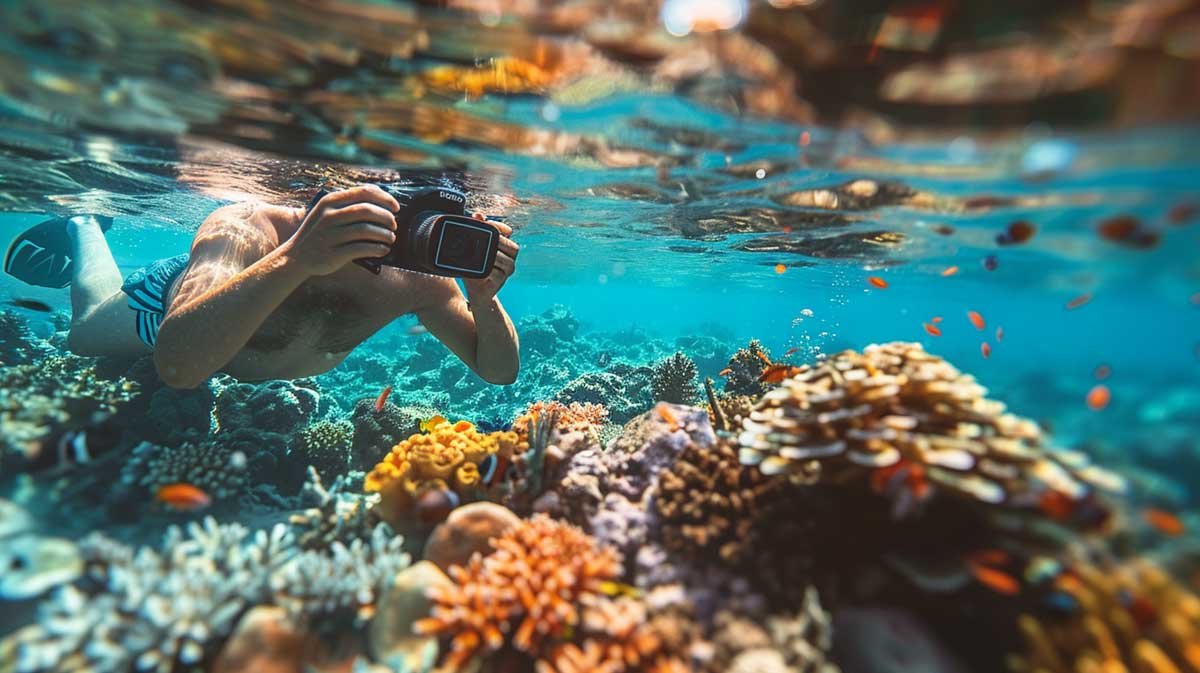
Underwater photography is challenging for reasons most beginners don’t expect. Even with a good camera, photos often come out blurry, dull, or overly blue—especially during the first few trips in the water.
The issue usually isn’t the camera. It’s how water changes light, color, and distance. Once you understand a few core principles, underwater photography becomes far more predictable—and far more rewarding.
This beginner-focused guide breaks down simple, proven techniques that work regardless of whether you’re using an action camera or a compact camera. If you’re still choosing gear, our Underwater Camera Buying Guide explains the differences. For now, let’s focus on what actually improves your photos starting today.
Why Underwater Photos Often Look Blurry or Blue
Before learning new techniques, it helps to understand why underwater photos fail in the first place. Almost every beginner runs into the same three problems.
Water Absorbs Light Faster Than You Think
Water absorbs light—especially red tones—almost immediately. Even at shallow depths, colors fade and contrast drops. This is why photos start looking blue or green long before you feel “deep.”
Without understanding this, many beginners blame their camera when the real issue is physics.
Distance Works Against You Underwater
Underwater, clarity drops rapidly with distance. The farther your subject is from the lens, the more detail and color you lose.
This is why wide shots often look flat and hazy, even in clear water.
Movement Is Amplified Underwater
Water resistance exaggerates movement. Small hand motions turn into visible blur, especially in lower light. This affects action cameras and compact cameras alike.
Understanding these limitations is the first step toward consistently better results.
Get Close: The Most Important Rule in Underwater Photography
If there’s one rule that improves underwater photos more than any setting or accessory, it’s this:
Get as close to your subject as safely possible.
This single habit solves multiple problems at once.
Why Getting Close Works
When you reduce the distance between the camera and the subject, you:
- capture more light
- preserve natural color
- increase sharpness and contrast
- reduce backscatter and haze
In real-world use, moving just a few feet closer can dramatically improve image quality.
How Close Is “Close” Underwater?
As a general guideline:
- aim for within arm’s length when possible
- fill the frame instead of relying on digital zoom
- move the camera closer, not your body into unsafe positions
Compact cameras with optical zoom help, but distance still matters. Action cameras benefit even more from close framing due to their fixed wide lenses.
🔗 If you’re deciding which camera type handles this better, see Action Cameras vs Compact Cameras for Underwater Photography.
Common Beginner Mistake
Many beginners stay too far back to “avoid disturbing” the scene. Ironically, this often results in unusable photos.
Respect marine life—but don’t be afraid to close the distance when it’s safe and appropriate.
Use Light Correctly (Natural Light vs Artificial Light)
Light is the single biggest factor in underwater photography. Use it wrong, and even great cameras struggle. Use it right, and average gear can produce surprisingly good results.
When Natural Light Is Enough
Natural light works best when:
- you’re near the surface
- the sun is high and unobstructed
- the water is clear
In these conditions, keep the sun behind you and slightly above your shoulder. This reduces shadows and helps preserve color without extra gear.
That said, natural light drops off quickly. Even a few extra feet of depth can flatten contrast and wash out reds.
When You Need Artificial Light
Once you go deeper—or shoot later in the day—artificial light becomes essential.
Underwater lights help by:
- restoring lost colors
- reducing noise
- improving subject separation
From real-world use, adding a small light improves results more than changing camera settings.
🔗 If you’re choosing lights or mounts, our Underwater Camera Accessories Guide explains what actually matters and what you can skip.
Common Beginner Mistake
Beginners often crank ISO or exposure instead of adding light. This increases blur and noise without fixing color. Light solves the root problem; settings don’t.
Camera Settings That Actually Matter Underwater
Beginners often get overwhelmed by menus. The truth is, only a few settings consistently matter underwater.
Focus on These Settings First
- Shutter speed: prioritize faster speeds to reduce motion blur
- ISO: keep it as low as light allows to preserve detail
- White balance: use auto in shallow water; adjust manually when using lights
For action cameras, this usually means letting auto handle most settings. For compact cameras, manual or semi-auto modes give you more control once you’re comfortable.
🔗 Still deciding between camera types? The differences are clearly broken down in Action Cameras vs Compact Cameras for Underwater Photography.
What You Can Ignore (For Now)
- extreme color profiles
- advanced autofocus modes
- complex custom presets
These rarely help beginners and often slow you down underwater.
Simple Composition Tips That Work Underwater
Good composition underwater follows the same principles as land photography—but with added constraints.
Keep the Background Simple
Busy reefs and floating particles can distract from your subject. Look for:
- clean water behind the subject
- open space
- natural contrast
Shoot at Eye Level
Photos feel more engaging when you shoot marine life at eye level rather than from above. This small change adds depth and connection to your images.
Fill the Frame
Underwater, empty space equals lost detail. Move closer and fill the frame instead of cropping later.
Common Beginner Mistakes (And How to Avoid Them)
Most underwater photography frustration comes from a short list of repeat mistakes.
- Shooting from too far away
- Relying on zoom instead of distance
- Ignoring light direction
- Overthinking camera settings
- Expecting surface-level results underwater
Awareness alone fixes many of these issues.
TL;DR – Beginner Underwater Photography Checklist
- Get close to your subject
- Use light before changing settings
- Keep ISO low and shutter speed high
- Simplify composition
- Practice in shallow water first
If you do nothing else, follow these five rules.
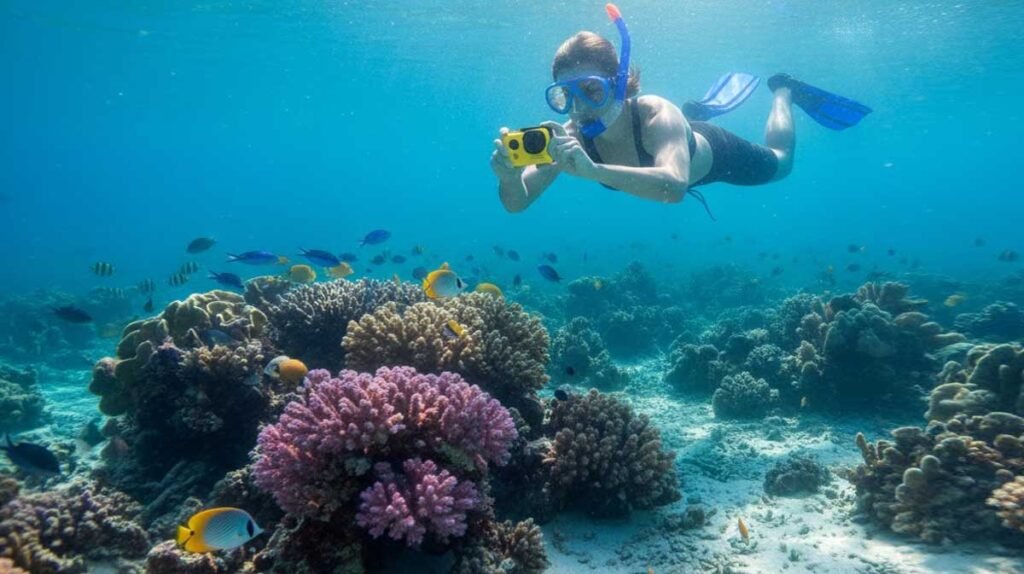
Final Thoughts: How to Start Taking Better Underwater Photos
Underwater photography doesn’t require perfect gear—it requires understanding how water changes light, color, and distance. Once beginners stop fighting physics and start working with it, results improve quickly.
Mastering distance and light will do more for your photos than any camera upgrade. And when you’re ready to refine your setup, knowing which camera and accessories match your style matters far more than chasing specs.
If you’re still deciding on equipment, revisit the Underwater Camera Buying Guide or see our current picks in Best Underwater Cameras for 2026 to build a setup that supports these techniques.
❓ Frequently Asked Questions
Underwater Photography Tips for Beginners
Why do my underwater photos look blurry even in clear water?
Blurry underwater photos are usually caused by movement, low light, or shooting from too far away. Water magnifies small movements and reduces contrast, making stability and distance critical.
Do I need a special camera to start underwater photography?
No. Beginners can start with action cameras or compact waterproof cameras. Technique—distance, light, and framing—matters more than the camera itself at the beginning.
How close should I get to my subject underwater?
As close as safely possible. Ideally within arm’s length. Reducing distance improves color, sharpness, and overall image quality far more than zooming in later.
Is natural light enough for underwater photography?
Natural light works well near the surface in bright conditions. Once you go deeper or shoot later in the day, artificial light becomes necessary to restore color and detail.
Should beginners use manual camera settings underwater?
Beginners should start with auto or semi-auto modes. Focus first on distance, light, and stability before experimenting with manual exposure controls.
Why do underwater photos look blue or green?
Water absorbs red light quickly, even at shallow depths. This color loss is normal underwater and can be corrected by getting closer, using lights, or adjusting white balance.
Is underwater photography harder than regular photography?
Yes. Water changes how light behaves and increases movement. However, once beginners understand a few core rules, results improve quickly and consistently.